Packs and items
96 free motion graphics templates in 10 packs. Every one takes any brand style and any aspect, and every part of it takes any move.
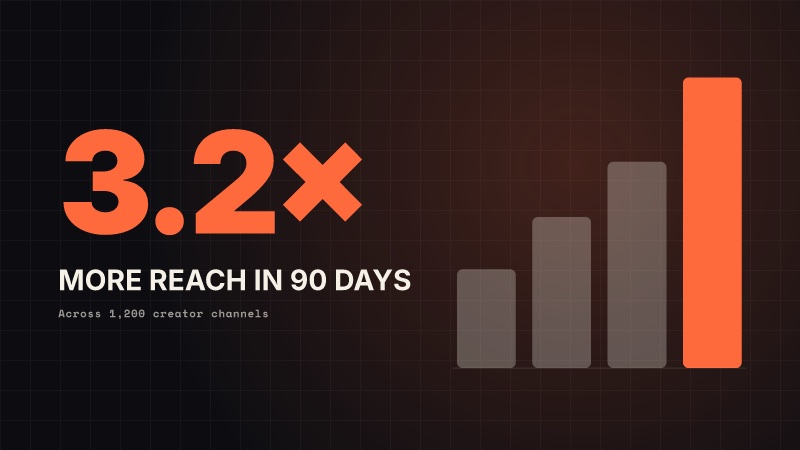
Essentials 14
The graphics every video needs — name plates, titles, calls to action, stats, lists, quotes, end screens — in any brand, any aspect.
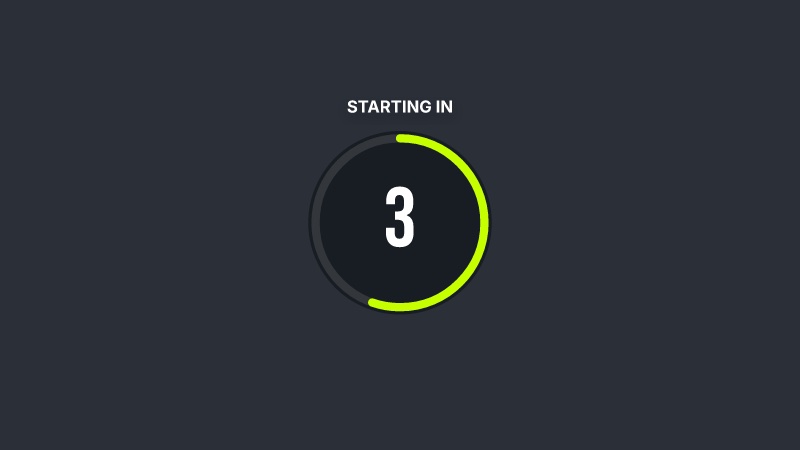
Broadcast 10
Lower thirds in five looks, a news ticker, a live badge, a score bug, a location pin and a countdown — broadcast graphics in any brand, any aspect.
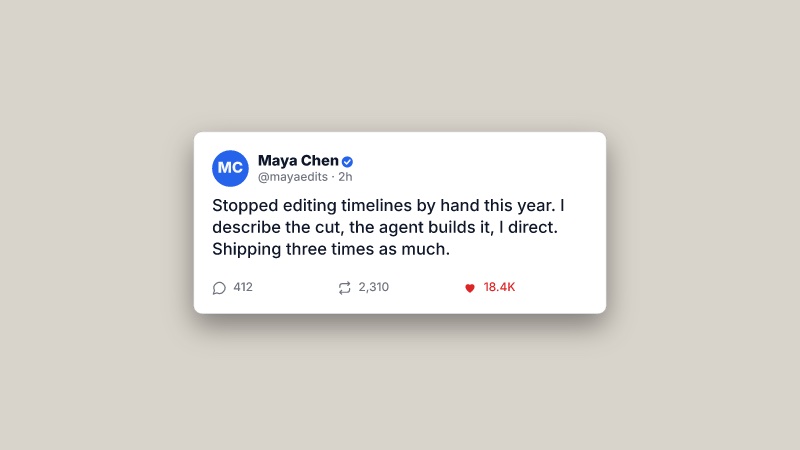
Social 8
Follow cards, notifications, comments, chat threads, posts, now playing and ratings — the social and app UI that videos borrow, in any brand, any aspect.
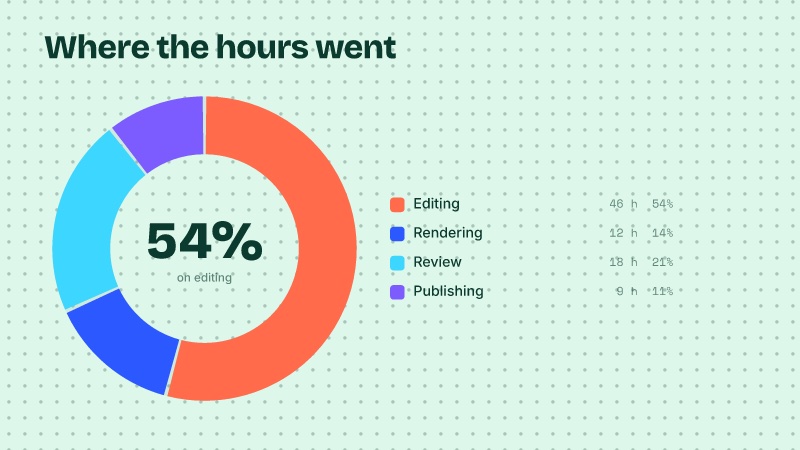
Data 9
Line charts, donuts, bar races, goal meters, versus splits, timelines, funnels, world maps and flight routes — data that moves, in any brand, any aspect.
3D 7
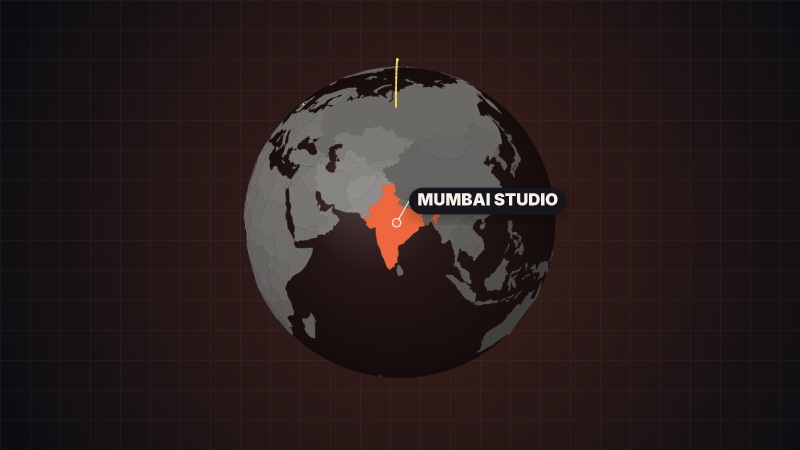
Extruded logos, titles and numbers, a card that flips, a word cube, a 3D bar chart and a globe — real depth, light and camera moves, rendered without a GPU, in any brand.
Transitions 11
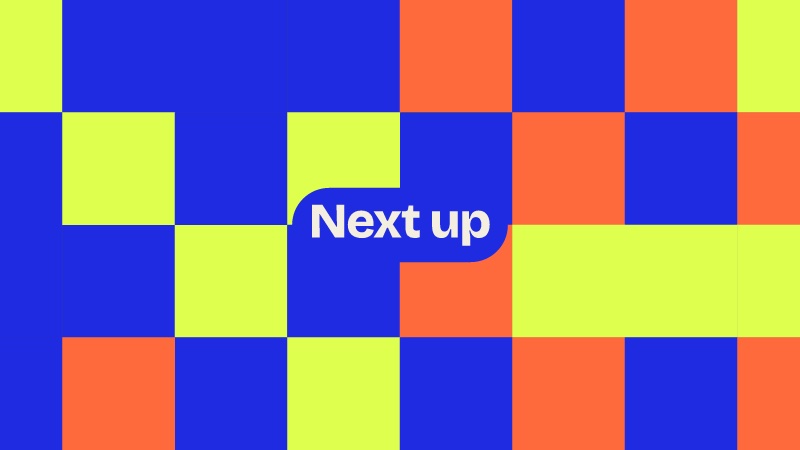
Eleven transitions that cover the frame by the cut and reveal the next shot — iris, blinds, doors, glitch, ink, clock, Bauhaus tiles, pixels, stripes, slices and a whip pan — in any brand's colours.
Annotate 10
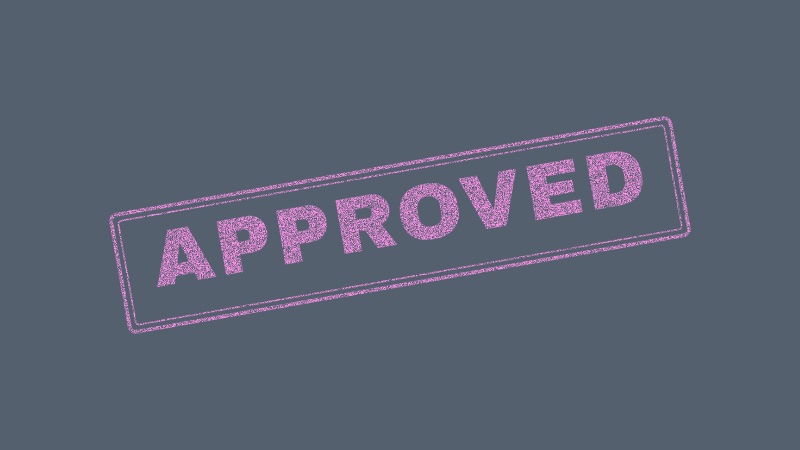
Point things out in footage: hand-drawn arrows and circles, a spotlight, focus brackets, highlighter marks, a rubber stamp, live reactions, a tech pointer, emphasis marks and numbered markers.
Type 10
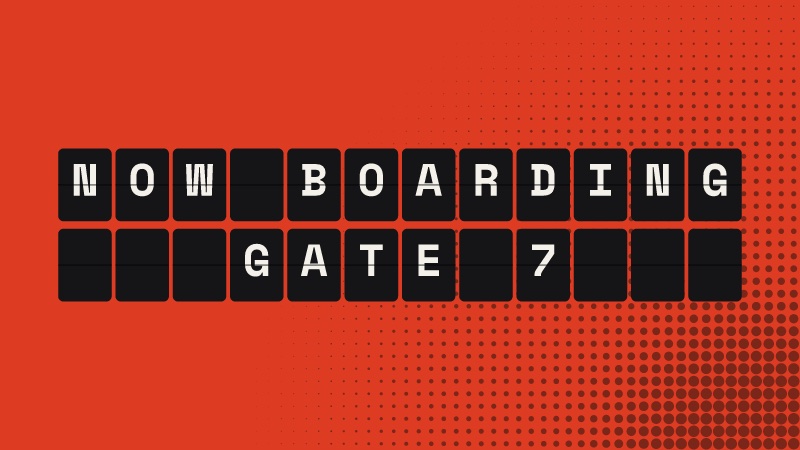
Kinetic typography on the brand's ground: typewriter, word swap, split-flap board, marquee bands, echo stack, liquid fill, decode, word by word, key phrase and an editorial stack.
Backdrops 9
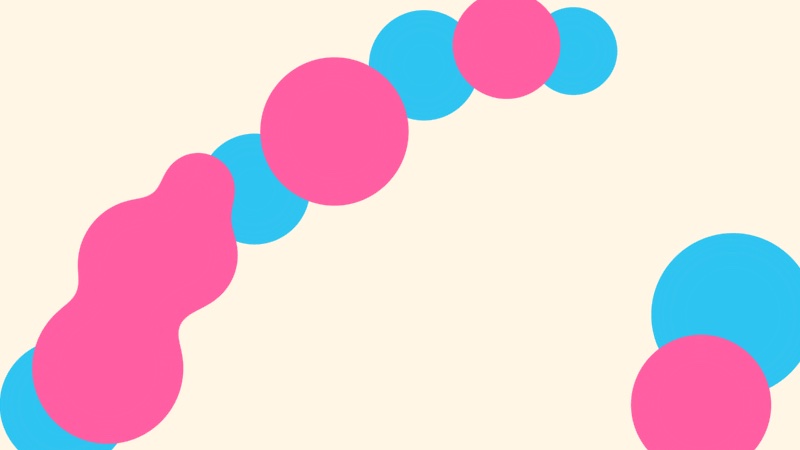
Grounds that move, to set titles, products or footage on: any of sixteen patterns, aurora, a Bauhaus field, a synthwave grid, lava blobs, a colour sweep, a starfield, bokeh and topographic lines.
Promo 8
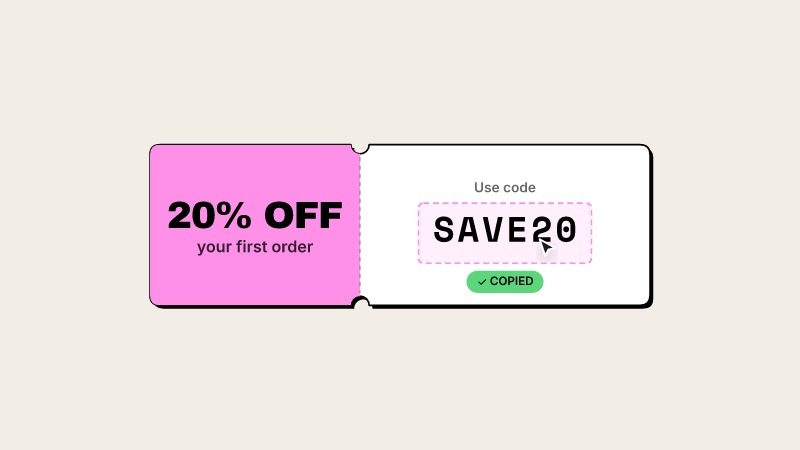
Offers that sell: a sale starburst, a price card that counts down, a coupon with a code to copy, an offer countdown, a feature checklist, a call to action with a click, a launch title and crossing tape ribbons.
Using an item
Name an item by its id or its full ref, read its props with info, fill them with --prop, and render:
volito info stat
volito render data/donut --prop value=54 --prop label="of the week" --style mint --out donut.movLists take "a; b; c", chart rows take "Label: 42; Other: 17", and image props take --image name=path. Every pack page below lists each item's props, defaults and limits.
Every item
Essentials essentials/
lower-thirdLower third: A name plate over footage: an accent spine grows, the plate wipes in, the name rises, the role slides in.title-cardTitle card: A full-frame chapter or opening title: a kicker chip, the title built letter by letter, a brush underline, a subtitle — over the brand's ground with an outlined number drifting behind.headlineKinetic headline: Big words that pop in one by one — on the voice when you give it a transcript — with a marker swiped under the *starred* words.subscribeSubscribe: A call to action over footage: the channel card springs in, a cursor glides onto the button and presses it, the bell rings.socialSocial handle: Your handle in a corner: a pill with the platform's icon slides in, a follow button presses, it tucks away.calloutCallout: Points at something in the shot: a ring pulses on the spot, a line draws out to a label card that pops in beside it.statStat: One number that matters, full frame: it counts up as it lands, the label rises under it, a ring fills to the value or bars grow to it.bar-chartBar chart: A ranked bar chart, full frame: each bar grows in turn with its value counting up beside it; one row can stand out in the accent.stepsSteps: A numbered list or checklist, full frame: the heading lands, then each step slides in on its own card — numbered, or ticked off one by one.quoteQuote: A pull quote, full frame: a big quotation mark pops, the words set in line by line, the speaker signs it off under an accent rule.bannerNews banner: A broadcast strap over footage: the label block slams in, the headline bar wipes across, a ticker scrolls under it.end-cardEnd card: An end screen, full frame: "watch next" slots pop in (for YouTube's end-screen elements or your own thumbnails), the subscribe button presses, the handle signs off.logo-stingLogo sting: A brand reveal, full frame: rings burst from the centre, the logo pops, the wordmark lands letter by letter with a light sweep, the tagline spaces out under it.wipeBrand wipe: A transition in the brand's colours: panels sweep in to cover the frame at the midpoint — cut your clips there — and sweep out to reveal the next shot.
Broadcast broadcast/
lt-barsLower third — two bars: A name bar wipes in from one side and a role bar in the accent from the other, the words rising inside their bars.lt-revealLower third — mask reveal: Cardless: an accent sweep crosses the frame and leaves the name behind it, then the role fades up. Made for footage.lt-kickerLower third — kicker: A kicker tag in the accent, a heavy name and a baseline that draws under it, the role beneath. Cardless, for footage.lt-pillLower third — pill: A rounded pill with a picture or initials, a status dot, the name and the role. Pops in; good for podcasts and calls.lt-newsLower third — news boxes: Broadcast style: a tight headline box with a hard accent shadow, a sub-line box beneath and an optional tag above.tickerNews ticker: A crawl along the bottom: a label block in the accent and a line of items scrolling left without a break.live-badgeLive badge: A LIVE pill with a pulsing dot, a viewer count that counts up and keeps ticking, and an optional running clock.score-bugScore bug: A sports score bug: two teams with their colours and scores, the period and a running clock. A goal adds a point with a flash.locationLocation pin: A map pin drops and bounces with a ripple, and a card beside it names the place, its region and its coordinates.countdownCountdown: A big number counting down second by second inside a ring that empties, then the closing words pop.
Social social/
follow-cardFollow card: A profile card: picture or initials, name with a verified check, handle, a follower count that counts up, a line of bio and a Follow button a cursor presses.notificationNotification: A phone or desktop notification slides in: the app's icon and name, the time, a bold title and the message.notificationsNotification stack: Notifications land one after another and stack up, each new one pushing the pile down.commentsComments: Comment cards appear one by one: a picture or initials, the name, the time, the words typing on and a like count.chatChat thread: A message thread plays out: their bubbles arrive after a typing indicator, yours on the right in the accent.postSocial post: A post card: picture or initials, name, handle and check, the words, and likes, reposts and replies counting up as a heart pops.now-playingNow playing: A music card: the cover (or a generated one), the title and artist, a progress bar moving with the clip and an equaliser.ratingRating: Stars fill one by one to the score, the score counts up, then a review and its author fade in.
Data data/
line-chartLine chart: A line draws on through its points over a soft area, each point popping as the line reaches it, the last value called out, against an optional target.donutDonut chart: Segments sweep round a ring one after another, the centre counts up to the total (or the first share), and a legend lists each part.bar-raceBar chart race: Ranked bars grow and overtake each other as the periods advance; the axis rescales and the period counts up in the corner.goalsGoal meters: Rows of capsule meters fill to their share of a goal, each with its label and a percentage counting up.versusVersus: Two sides face off: a label and a big number counting up on each, a VS badge popping between them and a split bar settling to their ratio.timelineTimeline: Milestones along a line that draws itself: each date's dot pops as the line reaches it and its words rise beside it.funnelFunnel: Stages stack from widest to narrowest, each dropping in with its count, and the share that carries on to the next stage between them.world-mapWorld map: A world map in the brand's colours: chosen countries fill in one by one (shaded by their values when given) and the top ones are labelled. Zooms to a region.flightFlight route: A map frames two places; a route arcs from one to the other along the great circle while a plane flies it, and both ends are pinned and named.
3D 3d/
logo-3d3D logo: An extruded wordmark swings in on a spring and settles as a light sweeps across its faces; the tagline rises beneath. Real depth, light and perspective.title-3d3D title: Extruded letters flip up one by one on springs while the camera eases in; the subtitle rises beneath.number-3d3D number: A big extruded number counts up, tilted toward the camera, with a light sweep when it lands and the label beneath.card-flip3D card flip: A card with real thickness tilts in, holds its front, then flips over to its back. Good for before/after, question/answer, myth/fact.cube3D word cube: A cube turns a quarter at a time on a spring, each side showing the next word — a kinetic way through a list of 2 to 4 words.bars-3d3D bar chart: Bars rise from a floor one after another while the camera orbits; values count up on their tops and the leader takes the accent.globe3D globe: A lit globe spins to a country, which lights up in the accent; routes arc in from other countries and a pin names the place.
Transitions transitions/
irisIris: A camera iris: the frame closes down to a point through a ring of the accent, then opens on the next shot. Circle, diamond, star or square, from any point.blindsBlinds: Venetian blinds: slats swing shut one after another in alternating colours, then open on the next shot.doorsDoors: Two doors slide shut and a Bauhaus disc locks them, then they slide open on the next shot. Across on wide frames, top and bottom on tall ones.glitchGlitch: A digital glitch: torn slices and RGB-split blocks flicker in, the frame breaks fully at the cut, then glitches out to the next shot.inkInk bleed: Ink spreads from a point in wobbly blooms of the accents until it floods the frame, then a hole blooms open on the next shot.clockClock wipe: A clock-hand sweep: the next colour wipes round the frame like a second hand with an accent edge, then sweeps on round to reveal the next shot.tilesBauhaus tiles: A grid of Bauhaus shapes — discs, quarter circles, squares — pops in tile by tile in a diagonal wave to cover the frame, then shrinks away.pixelsPixel dissolve: The frame dissolves into square pixels in random order — a few in the accents — until it is covered, then dissolves away to the next shot.stripesSpeed stripes: Diagonal stripes in the brand's colours race across in a stagger to cover the frame, then race off to reveal the next shot.slicesSlices: The frame is sliced into bands that shoot in from alternate sides, each with an accent edge, then shoot out the far side to reveal the next shot.whipWhip pan: A whip pan: speed streaks blur across, thicken into a smear of the brand's colours at the cut, then streak away the same way onto the next shot.
Annotate annotate/
arrowArrow: A hand-drawn (or clean) arrow sweeps from a label to the thing you point at, with a pulse on the spot.circleCircle it: A marker loop drawn round the thing that matters — once, twice, or a clean ring — with an optional label.spotlightSpotlight: Everything but one area dims; a feathered spotlight closes onto it with an accent ring, and a label sits by it.focusFocus lock: Camera focus brackets hunt in from the frame's corners, snap onto the subject with a blink, and lock in the accent with a label and crosshair.highlightHighlight: A highlighter swipes across a word or area — or a marker underline, box or strike-through drawn on by hand.stampStamp: A rubber stamp slams down at an angle — APPROVED, SOLD OUT, NEW — with a rough inked double border and a jolt.reactionsReactions: Live reactions float up in a stream — hearts, likes, fire, laughs — swaying, popping in and fading out, like a live stream.pointerPointer: A tech callout: a pulsing dot on the spot, a leader line that draws out at an angle, and a card with a title and a detail.emphasisEmphasis marks: Comic emphasis round a point: action lines burst out and sparkles twinkle — for a punchline, a reveal or a wow.markersNumbered markers: Numbered dots pop onto the frame one after another, each with a ring and an optional label — for walking through the parts of a shot.
Type type/
typewriterTypewriter: Words type on letter by letter with a blinking caret — in the brand's mono, text or display face.word-swapWord swap: A fixed lead and a word that keeps changing: each new word rolls up into an accent box that stretches to fit it — “We make videos / ads / stories”.split-flapSplit-flap board: An airport split-flap board: every cell flutters through letters and clacks onto the message, left to right.marqueeMarquee bands: Big words repeat along tilted bands that scroll in opposite directions — solid on accent, outlined on the ground — like a poster in motion.echoEcho stack: One word with outlined echoes fanning out above and below it, rippling in a slow wave — a poster headline that breathes.liquid-fillLiquid fill: A big outlined word fills from the bottom with a wavy liquid in the brand's accents, then a tagline rises under it.decodeDecode: A title decodes letter by letter out of scrambled glyphs between brackets, then a mono line types on under it.word-by-wordWord by word: A sentence one word at a time, each word slammed full-frame on a new ground — the brand's, the accent, the second accent — cut to a steady pace. *Marked* words go big.key-phraseKey phrase: A sentence sets in big type, then its *marked* words get a marker swipe one after another — the line people should remember.stackEditorial stack: Lines stack like a magazine cover — heavy capitals alternating with *italic* accent lines — sliding in from alternate sides between hairline rules.
Backdrops backdrops/
patternPattern: Any of the sixteen animated patterns as a full ground — mesh, halftone, dither, Bauhaus tiles, waves, rings, dots, confetti, pills, sunburst… — in the brand's colours or your own.auroraAurora: Soft blooms of the brand's colours drift and melt into each other under a fine grain — a calm, premium ground for titles.tilesBauhaus field: A full field of Bauhaus tiles — quarter circles, half discs, discs, diamonds — turning in a diagonal wave, in the brand's colours.retro-gridRetro grid: Synthwave: a neon grid floor rushing toward you under a striped sun and a glowing horizon, stars twinkling above.blobsLava blobs: Gooey blobs in the accents drift, merge and pull apart like a lava lamp.gradientColour sweep: A slow, rich gradient through the brand's colours that turns and shifts, with a light grain — the simplest premium ground.starfieldStarfield: Stars stream toward you out of the dark — warp speed or a slow drift — some in the accents.bokehBokeh: Soft out-of-focus lights in the brand's colours drift and breathe — a warm, filmic ground.topoTopographic: Contour lines like a topographic map, slowly shifting as if the land were breathing.
Promo promo/
sale-badgeSale badge: A starburst badge slams in spinning — 50% OFF — then wobbles while a dashed ring turns inside it.price-cardPrice card: A product card: the old price is struck through, the new price counts down to it, a saving chip pops and the button gets pressed.couponCoupon: A ticket with a perforated tear line tears in: the deal on the stub, the code in a dashed box — then a click copies it.offer-countdownOffer countdown: Offer ends in — days, hours, minutes and seconds in tiles, the seconds rolling down live. Sits low in the frame.featuresFeature list: A title, then features tick in one by one — a check draws in its circle and the line slides across.ctaCall to action: A short line, then a big button — a cursor glides on, presses it with a ripple, and it flips to the done label.launchLaunch: A launch title: a NEW sticker spins on, the product name lands huge over the brand's pattern, then the tagline and when it is out.ribbonTape ribbons: Two tapes cross the frame like caution tape, their words scrolling — FREE SHIPPING • LIMITED DROP — over your footage.
Using the packs
The packs are free to use in any video, personal or commercial, with no attribution required. They may not be resold as templates. The full terms are on the Licence page.