Spotlight
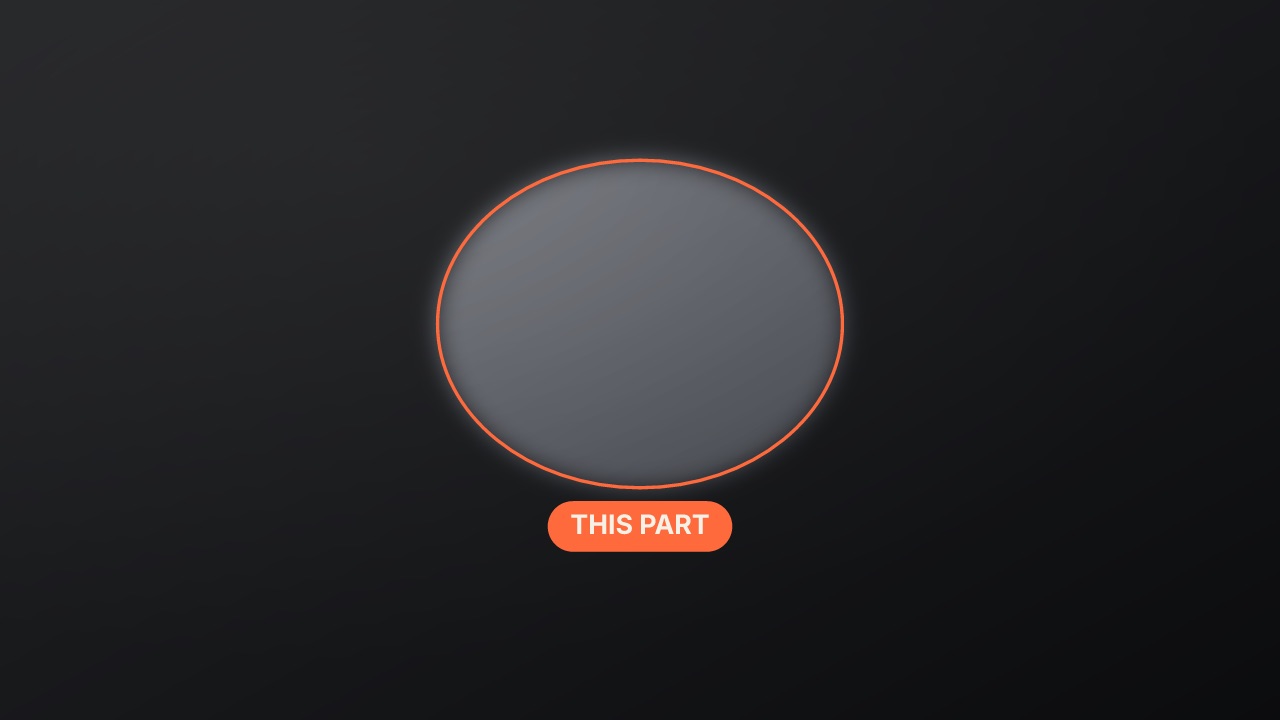
Everything but one area dims; a feathered spotlight closes onto it with an accent ring, and a label sits by it.
annotate/spotlight- Annotate
- callout
- Overlay with alpha
- 4 s (1.5–15 s)
Render it
npx volito render annotate/spotlight --prop label="This part" --out spotlight.movThat writes ProRes 4444 with alpha, ready to drop over footage. The same item in another shape, brand or format:
volito render annotate/spotlight --aspect 9:16 --style cobalt --out spotlight-9x16.mov
volito render annotate/spotlight --format mp4 --out spotlight.mp4
volito still annotate/spotlight --t 2 --out spotlight.png
volito info annotate/spotlight     # every prop and part
volito add annotate/spotlight # copy its source into ./motion to editFrom Node:
import { findItem, renderVideo } from "volito";

await renderVideo(findItem("annotate/spotlight"), { props: { label: "This part" }, out: "spotlight.mov" });Or ask an agent with the MCP server connected: “Render the Volito spotlight (annotate/spotlight) in 9:16, in our brand.”
Props
Set each with --prop name=value, or all at once with --props and a JSON object.
| Prop | Type | Default | Takes |
|---|---|---|---|
xBox left (%) | number | 38 | 0 – 100 |
yBox top (%) | number | 28 | 0 – 100 |
wBox width (%) | number | 24 | 2 – 100 |
hBox height (%) | number | 34 | 2 – 100 |
shape | choice | circle | circle | box |
dimDim (%) | number | 70 | 10 – 95 |
labelempty for none | text | This part | ≤ 28 chars |
notea line under the label | text | — | ≤ 60 chars |
colorColour empty: the brand's colour | color | — | — |
Parts
Each part takes any move, ease or idle: --motion dim.in=pop.
| Part | What it is |
|---|---|
dim | the dimmed frame |
ring | the ring |
label | the label and note |
More in Annotate
Arrow
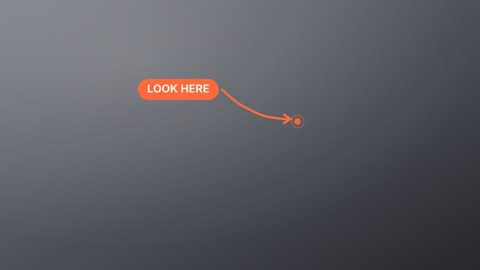
A hand-drawn (or clean) arrow sweeps from a label to the thing you point at, with a pulse on the spot.
Circle it
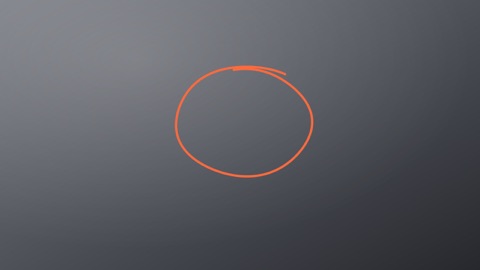
A marker loop drawn round the thing that matters — once, twice, or a clean ring — with an optional label.
Focus lock
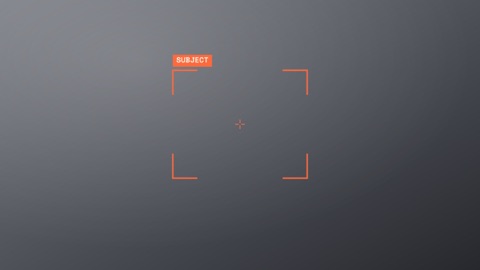
Camera focus brackets hunt in from the frame's corners, snap onto the subject with a blink, and lock in the accent with a label and crosshair.

Highlight
A highlighter swipes across a word or area — or a marker underline, box or strike-through drawn on by hand.
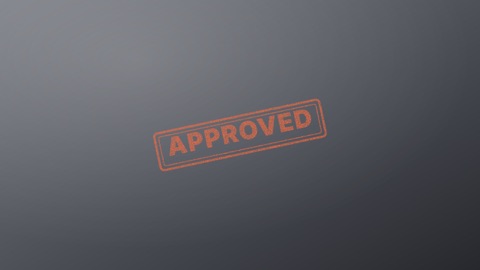
Stamp
A rubber stamp slams down at an angle — APPROVED, SOLD OUT, NEW — with a rough inked double border and a jolt.
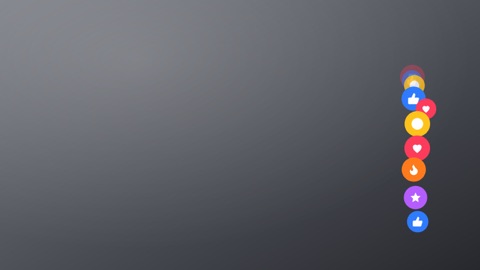
Reactions
Live reactions float up in a stream — hearts, likes, fire, laughs — swaying, popping in and fading out, like a live stream.