Orbit carousel
Cards orbiting a title on a tilted ellipse: they pass behind the words and swing round in front, larger and brighter when near, each tilting with its path.
carousels/orbit-carousel- Carousels
- scene
- Full frame
- 8 s (3–60 s)

npx volito render carousels/orbit-carousel --style riso --out orbit-carousel.movRender it
npx volito render carousels/orbit-carousel --prop title="Made this year" --out orbit-carousel.movThat writes ProRes 4444. The same item in another shape, brand or format:
volito render carousels/orbit-carousel --aspect 9:16 --style cobalt --out orbit-carousel-9x16.mov
volito render carousels/orbit-carousel --format mp4 --out orbit-carousel.mp4
volito still carousels/orbit-carousel --t 4 --out orbit-carousel.png
volito info carousels/orbit-carousel     # every prop and part
volito add carousels/orbit-carousel # copy its source into ./motion to editFrom Node:
import { findItem, renderVideo } from "volito";

await renderVideo(findItem("carousels/orbit-carousel"), { props: { title: "Made this year" }, out: "orbit-carousel.mov" });Or ask an agent with the MCP server connected: “Render the Volito orbit carousel (carousels/orbit-carousel) in 9:16, in our brand.”
Props
Set each with --prop name=value, or all at once with --props and a JSON object.
| Prop | Type | Default | Takes |
|---|---|---|---|
title | text | Made this year | ≤ 50 chars |
cardsCards (Title: tag) | list | {"title":"Morning light","tag":"Lookbook 01"}; {"title":"City nights","tag":"Lookbook 02"}; {"title":"Studio session","tag":"Behind the scenes"}; {"title":"Coastline","tag":"Travel"}; {"title":"Golden hour","tag":"Portraits"}; {"title":"Night market","tag":"Street"}; {"title":"Snow days","tag":"Winter"}; {"title":"Road trip","tag":"Travel"} | — |
countCards | number | 7 | 3 – 10 |
speed | number | 1 | 0.2 – 3 |
image1Picture 1 | image | — | — |
image2Picture 2 | image | — | — |
image3Picture 3 | image | — | — |
image4Picture 4 | image | — | — |
image5Picture 5 | image | — | — |
image6Picture 6 | image | — | — |
image7Picture 7 | image | — | — |
image8Picture 8 | image | — | — |
Parts
Each part takes any move, ease or idle: --motion ground.in=pop.
| Part | What it is |
|---|---|
ground | the ground |
title | the title |
cards | the cards |
More in Carousels
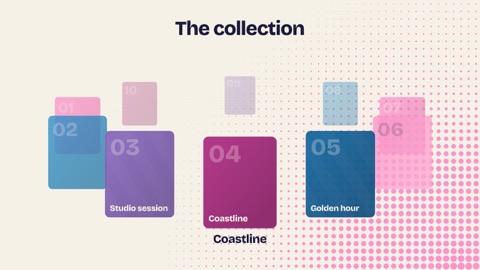
Ring carousel
Cards round a ring seen from just above: it swings one card at a time, fast then slow, cards shrinking and fading round the back, the one in front named underneath. Your pictures, or tiles in the brand's colours.
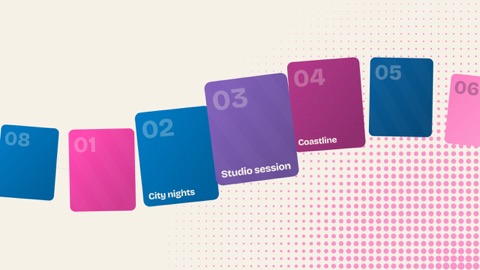
Path carousel
A conveyor of cards along a gentle S-curve: they glide in from one side, grow as they pass the middle and leave on the other, on a loop (top to bottom on tall frames).
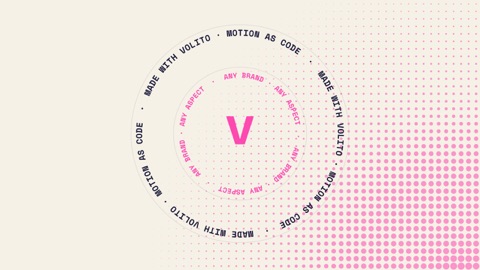
Text ring
Words set round a circle and turning slowly, a second ring turning the other way inside it, and a big word (or a mark) in the centre — a badge, a loop, a seal.
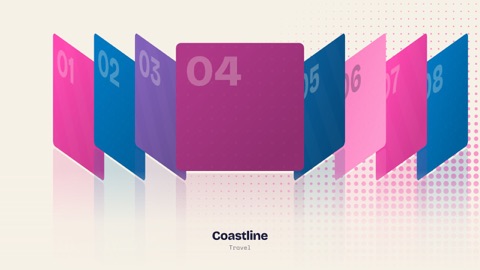
Cover flow
A cover flow: the middle card faces you, the ones either side lean away in a stack, and the row steps along one card at a time, with a reflection on the floor and the centre card's title and tag under it.