Agent cursor
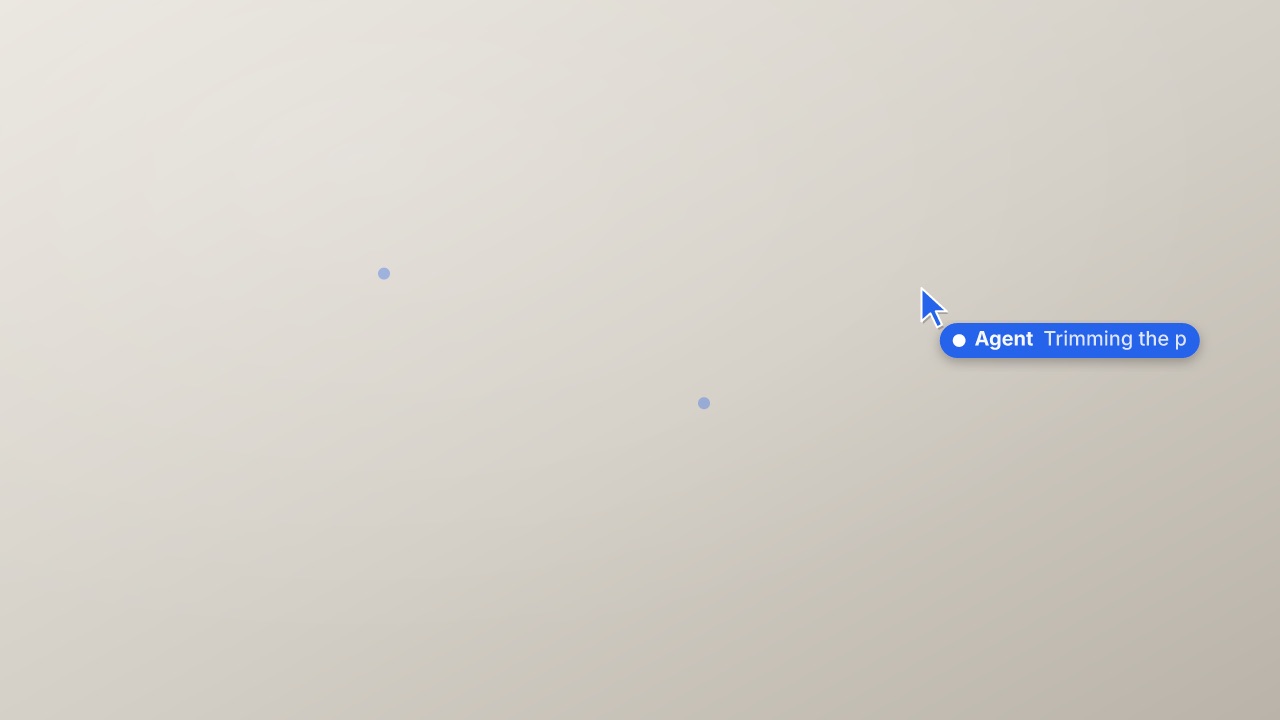
An AI agent working a UI: its cursor glides to each target while its name tag types out the step, clicks with a ring, moves on, and ends with a check and the done line. Places in % of the frame.
cursors/agent-cursor- Cursors
- callout
- Overlay with alpha
- 6 s (2–30 s)
npx volito render cursors/agent-cursor --style studio --out agent-cursor.movRender it
npx volito render cursors/agent-cursor --prop name="Agent" --prop done="Done" --out agent-cursor.movThat writes ProRes 4444 with alpha, ready to drop over footage. The same item in another shape, brand or format:
volito render cursors/agent-cursor --aspect 9:16 --style cobalt --out agent-cursor-9x16.mov
volito render cursors/agent-cursor --format mp4 --out agent-cursor.mp4
volito still cursors/agent-cursor --t 3 --out agent-cursor.png
volito info cursors/agent-cursor     # every prop and part
volito add cursors/agent-cursor # copy its source into ./motion to editFrom Node:
import { findItem, renderVideo } from "volito";

await renderVideo(findItem("cursors/agent-cursor"), { props: { name: "Agent", done: "Done" }, out: "agent-cursor.mov" });Or ask an agent with the MCP server connected: “Render the Volito agent cursor (cursors/agent-cursor) in 9:16, in our brand.”
Props
Set each with --prop name=value, or all at once with --props and a JSON object.
| Prop | Type | Default | Takes |
|---|---|---|---|
nameAgent name | text | Agent | ≤ 20 chars |
stepsSteps (Step: across %, down %) | list | {"step":"Opening the timeline","x":30,"y":38}; {"step":"Selecting the interview","x":55,"y":56}; {"step":"Trimming the pauses","x":72,"y":40}; {"step":"Exporting in 4K","x":82,"y":72} | — |
doneDone line | text | Done | ≤ 20 chars |
colorColour empty: the brand's colour | color | — | — |
Parts
Each part takes any move, ease or idle: --motion cursor.in=pop.
| Part | What it is |
|---|---|
cursor | the cursor, tag and clicks |
More in Cursors
Multiplayer cursors
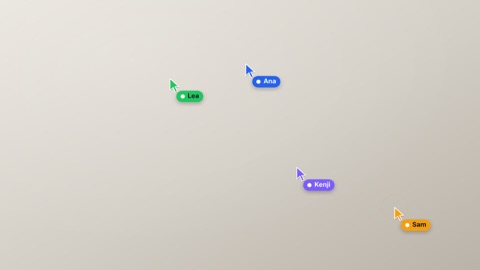
Several people's cursors at once, each with a name tag in its own colour, drifting over the frame on their own paths and clicking now and then — a live, shared document.
Drag and drop
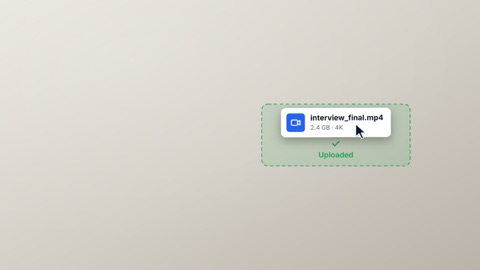
The cursor picks up a file card — it lifts, with a deeper shadow — carries it along a curve to a dashed drop zone that lights up as it arrives, lets go, and the zone confirms.
Text select
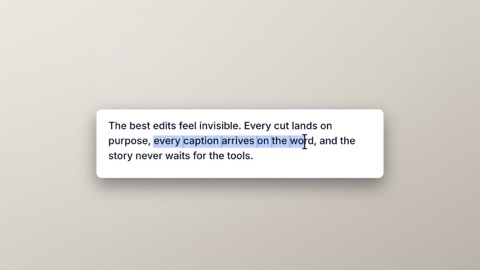
Selecting text: a paragraph on a card, an I-beam drags across a phrase as the highlight grows word by word, lets go, and a small toolbar pops over the selection with one action pressed.
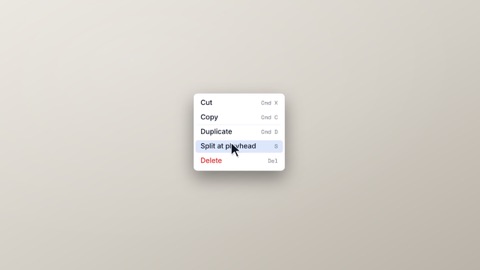
Context menu
A right-click: the cursor arrives and clicks, a menu opens beside it with items and shortcuts, the cursor moves to one item — it lights up — and clicks it, and the menu closes. Places in % of the frame.