Brand wipe
A transition in the brand's colours: panels sweep in to cover the frame at the midpoint — cut your clips there — and sweep out to reveal the next shot.
essentials/wipe- Essentials
- transition
- Overlay with alpha
- 1.2 s (0.6–4 s)

Render it
npx volito render essentials/wipe --out wipe.movThat writes ProRes 4444 with alpha, ready to drop over footage. The same item in another shape, brand or format:
volito render essentials/wipe --aspect 9:16 --style cobalt --out wipe-9x16.mov
volito render essentials/wipe --format mp4 --out wipe.mp4
volito still essentials/wipe --t 0.26 --out wipe.png
volito info essentials/wipe     # every prop and part
volito add essentials/wipe # copy its source into ./motion to editFrom Node:
import { findItem, renderVideo } from "volito";

await renderVideo(findItem("essentials/wipe"), { props: {}, out: "wipe.mov" });Or ask an agent with the MCP server connected: “Render the Volito brand wipe (essentials/wipe) in 9:16, in our brand.”
Props
Set each with --prop name=value, or all at once with --props and a JSON object.
| Prop | Type | Default | Takes |
|---|---|---|---|
shape | choice | bars | bars | diagonal | circle |
bars | number | 5 | 2 – 12 |
labelWord at the cut shown while the frame is covered (empty for none) | text | — | ≤ 24 chars |
direction | choice | right | right | left | up | down |
Parts
Each part takes any move, ease or idle: --motion panels.in=pop.
| Part | What it is |
|---|---|
panels | the panels that cover the frame |
label | the word at the cut |
More in Essentials
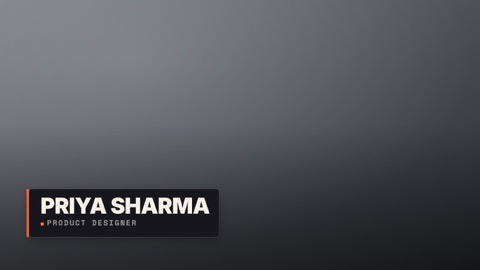
Lower third
A name plate over footage: an accent spine grows, the plate wipes in, the name rises, the role slides in.
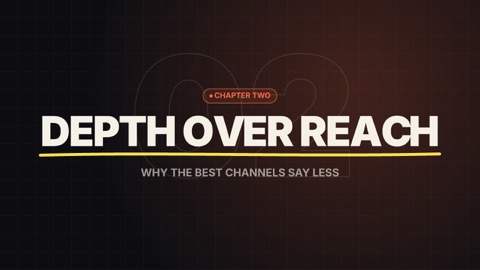
Title card
A full-frame chapter or opening title: a kicker chip, the title built letter by letter, a brush underline, a subtitle — over the brand's ground with an outlined number drifting behind.
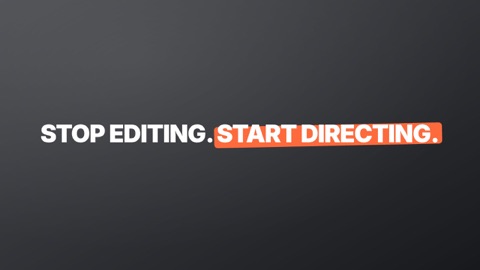
Kinetic headline
Big words that pop in one by one — on the voice when you give it a transcript — with a marker swiped under the *starred* words.

Subscribe
A call to action over footage: the channel card springs in, a cursor glides onto the button and presses it, the bell rings.
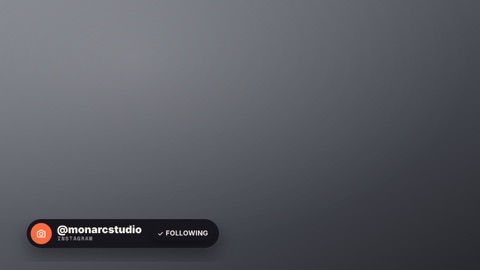
Social handle
Your handle in a corner: a pill with the platform's icon slides in, a follow button presses, it tucks away.
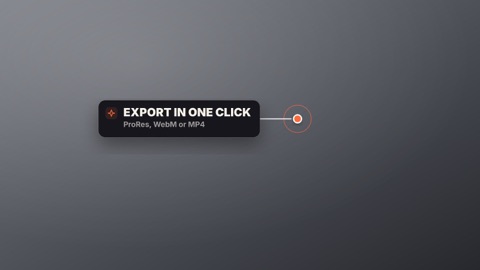
Callout
Points at something in the shot: a ring pulses on the spot, a line draws out to a label card that pops in beside it.