Launch
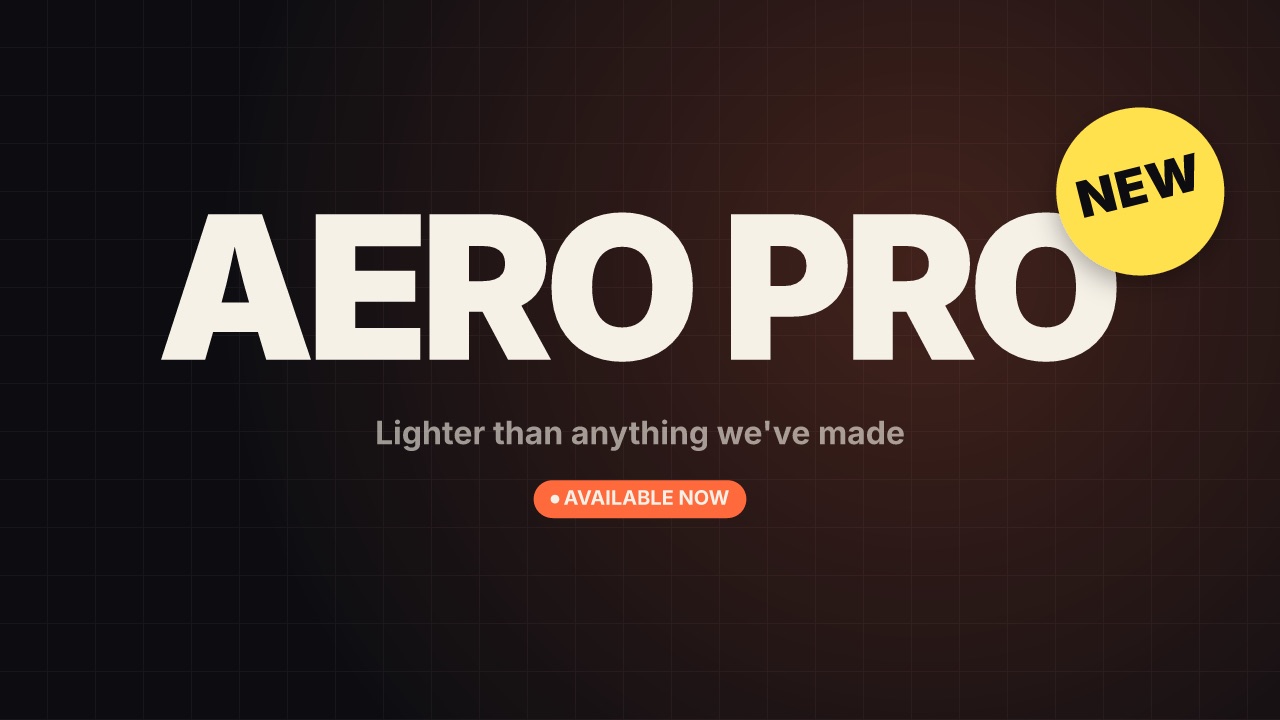
A launch title: a NEW sticker spins on, the product name lands huge over the brand's pattern, then the tagline and when it is out.
promo/launch- Promo
- title
- Full frame
- 5 s (2–20 s)
Render it
npx volito render promo/launch --prop badge="New" --prop name="Aero Pro" --out launch.movThat writes ProRes 4444. The same item in another shape, brand or format:
volito render promo/launch --aspect 9:16 --style cobalt --out launch-9x16.mov
volito render promo/launch --format mp4 --out launch.mp4
volito still promo/launch --t 2.5 --out launch.png
volito info promo/launch     # every prop and part
volito add promo/launch # copy its source into ./motion to editFrom Node:
import { findItem, renderVideo } from "volito";

await renderVideo(findItem("promo/launch"), { props: { badge: "New", name: "Aero Pro" }, out: "launch.mov" });Or ask an agent with the MCP server connected: “Render the Volito launch (promo/launch) in 9:16, in our brand.”
Props
Set each with --prop name=value, or all at once with --props and a JSON object.
| Prop | Type | Default | Takes |
|---|---|---|---|
badgeSticker | text | New | ≤ 8 chars |
name | text | Aero Pro | ≤ 28 chars |
tagline | text | Lighter than anything we've made | ≤ 64 chars |
whenempty for none | text | Available now | ≤ 28 chars |
Parts
Each part takes any move, ease or idle: --motion ground.in=pop.
| Part | What it is |
|---|---|
ground | the ground |
badge | the sticker |
name | the name |
tagline | the tagline |
when | the availability chip |
More in Promo

Sale badge
A starburst badge slams in spinning — 50% OFF — then wobbles while a dashed ring turns inside it.
Price card
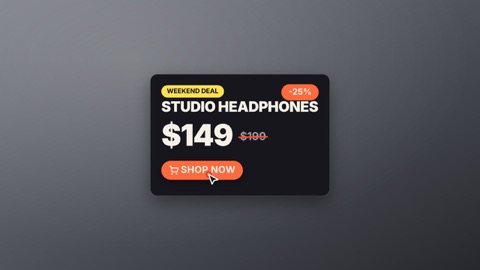
A product card: the old price is struck through, the new price counts down to it, a saving chip pops and the button gets pressed.
Coupon
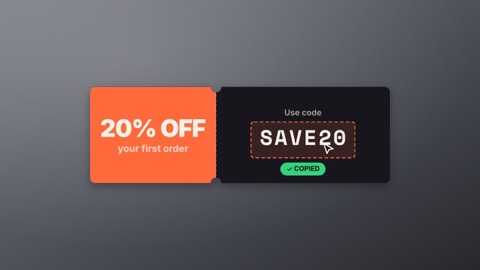
A ticket with a perforated tear line tears in: the deal on the stub, the code in a dashed box — then a click copies it.
Offer countdown
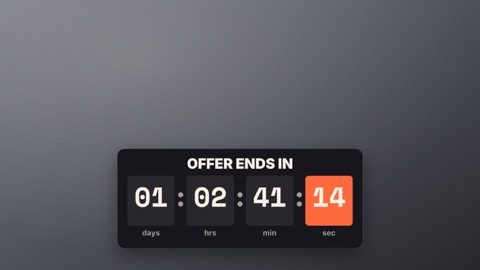
Offer ends in — days, hours, minutes and seconds in tiles, the seconds rolling down live. Sits low in the frame.
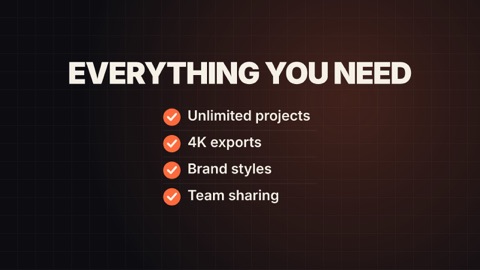
Feature list
A title, then features tick in one by one — a check draws in its circle and the line slides across.
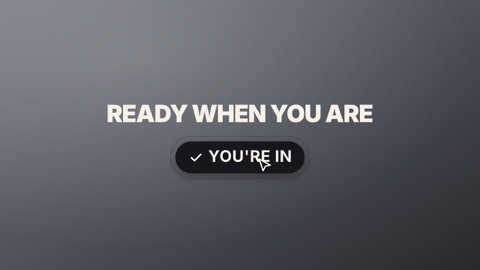
Call to action
A short line, then a big button — a cursor glides on, presses it with a ripple, and it flips to the done label.