Notification stack
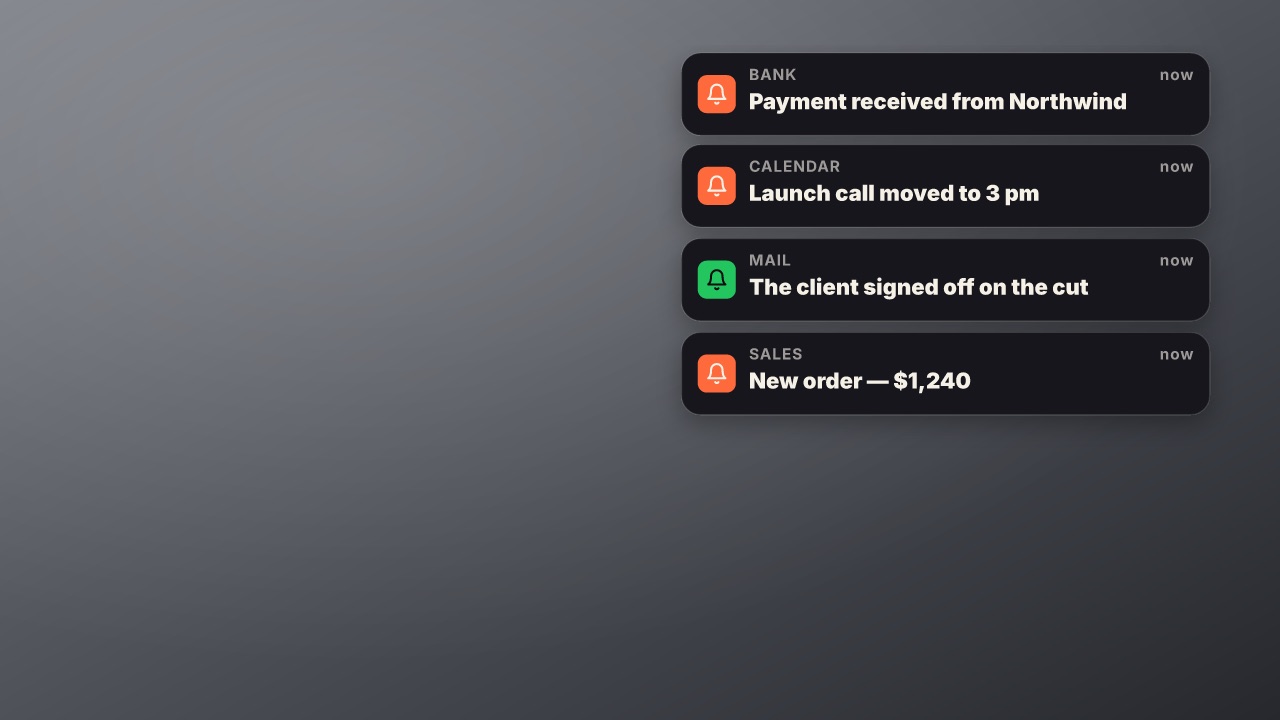
Notifications land one after another and stack up, each new one pushing the pile down.
social/notifications- Social
- social
- Overlay with alpha
- 6 s (3–30 s)
Render it
npx volito render social/notifications --out notifications.movThat writes ProRes 4444 with alpha, ready to drop over footage. The same item in another shape, brand or format:
volito render social/notifications --aspect 9:16 --style cobalt --out notifications-9x16.mov
volito render social/notifications --format mp4 --out notifications.mp4
volito still social/notifications --t 3 --out notifications.png
volito info social/notifications     # every prop and part
volito add social/notifications # copy its source into ./motion to editFrom Node:
import { findItem, renderVideo } from "volito";

await renderVideo(findItem("social/notifications"), { props: {}, out: "notifications.mov" });Or ask an agent with the MCP server connected: “Render the Volito notification stack (social/notifications) in 9:16, in our brand.”
Props
Set each with --prop name=value, or all at once with --props and a JSON object.
| Prop | Type | Default | Takes |
|---|---|---|---|
itemsNotifications (App: message) | list | {"app":"Sales","text":"New order — $1,240"}; {"app":"Mail","text":"The client signed off on the cut"}; {"app":"Calendar","text":"Launch call moved to 3 pm"}; {"app":"Bank","text":"Payment received from Northwind"} | — |
gapSeconds between | number | 0.75 | 0.2 – 5 |
icon | icon | bell | — |
Parts
Each part takes any move, ease or idle: --motion items.in=pop.
| Part | What it is |
|---|---|
items | each notification |
More in Social

Follow card
A profile card: picture or initials, name with a verified check, handle, a follower count that counts up, a line of bio and a Follow button a cursor presses.
Notification
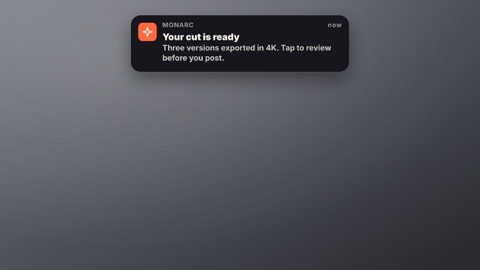
A phone or desktop notification slides in: the app's icon and name, the time, a bold title and the message.
Comments
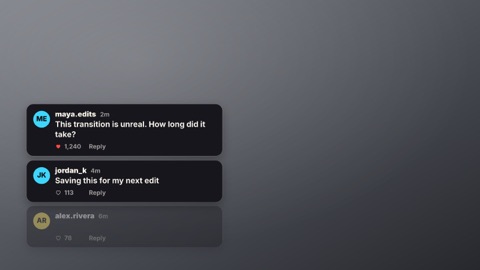
Comment cards appear one by one: a picture or initials, the name, the time, the words typing on and a like count.
Chat thread
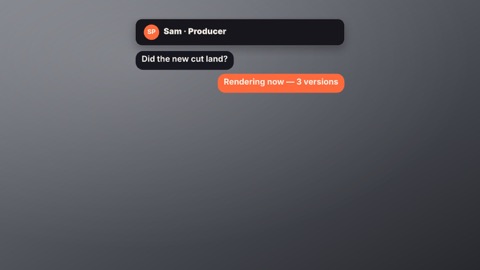
A message thread plays out: their bubbles arrive after a typing indicator, yours on the right in the accent.
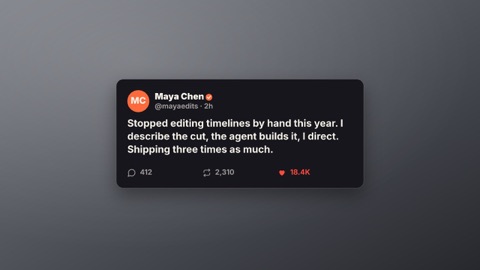
Social post
A post card: picture or initials, name, handle and check, the words, and likes, reposts and replies counting up as a heart pops.

Now playing
A music card: the cover (or a generated one), the title and artist, a progress bar moving with the clip and an equaliser.