Button
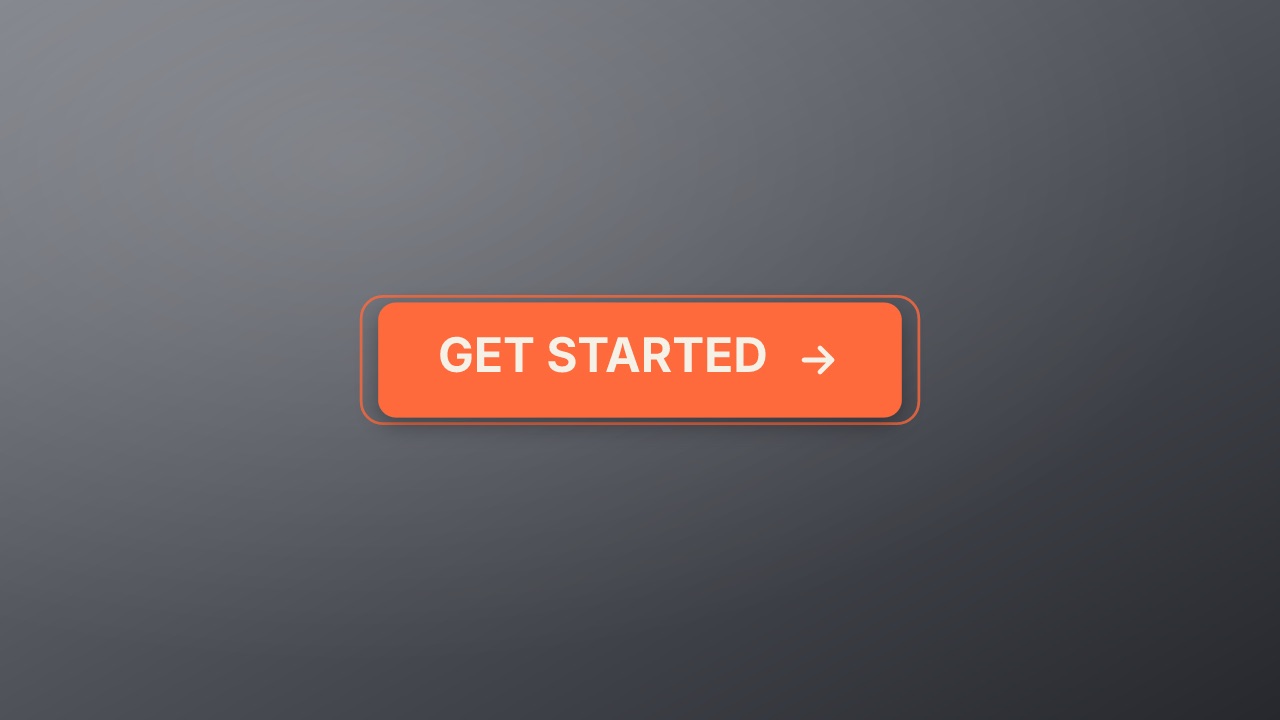
A product button with every state: it springs in, breathes while idle, lifts on hover, presses, spins while it loads and lands on a check with the done label. In a page, <volito-player> plays each state on hover and click.
ui/button- UI
- cta
- Overlay with alpha
- 4.6 s (4.6–4.6 s)
Try it live
In a page it is a live element: each state plays its stretch of the timeline, and hover and click switch them. Your code sets the rest with player.state. See Interactive states.
Button
Hover it, then click it.
…<script type="module" src="https://cdn.jsdelivr.net/npm/volito/dist/player.js"></script>
<volito-player item="ui/button" aspect="1000x500" ground="none" props='{"label":"Get started"}'></volito-player>| State | Plays | Then |
|---|---|---|
enter | once | idle |
idle | loop | stays |
hover | once | stays |
unhover | once | idle |
press | once | loading |
loading | loop | stays |
done | once | stays |
Page events: pointerenter(idle|unhover): hover; pointerleave(hover): unhover; click(idle|hover|unhover): press
Render it
npx volito render ui/button --prop label="Get started" --prop done="You're in" --out button.movThat writes ProRes 4444 with alpha, ready to drop over footage. The same item in another shape, brand or format:
volito render ui/button --aspect 9:16 --style cobalt --out button-9x16.mov
volito render ui/button --format mp4 --out button.mp4
volito still ui/button --t 2.3 --out button.png
volito info ui/button     # every prop and part
volito add ui/button # copy its source into ./motion to editFrom Node:
import { findItem, renderVideo } from "volito";

await renderVideo(findItem("ui/button"), { props: { label: "Get started", done: "You're in" }, out: "button.mov" });Or ask an agent with the MCP server connected: “Render the Volito button (ui/button) in 9:16, in our brand.”
Props
Set each with --prop name=value, or all at once with --props and a JSON object.
| Prop | Type | Default | Takes |
|---|---|---|---|
label | text | Get started | ≤ 22 chars |
doneDone label | text | You're in | ≤ 22 chars |
icon | icon | arrowRight | — |
More in UI
Toggle
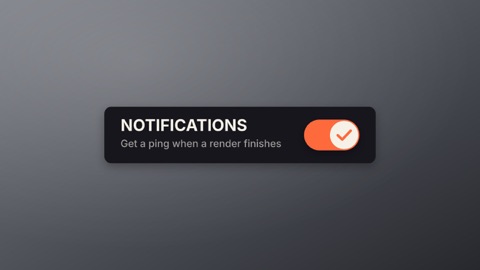
A settings switch with its label: the knob stretches as it slides, the track fills with the accent, and it slides back. In a page, a click turns it on and off.
Like
A heart and its count: it breathes while idle, pops full with a burst when liked as the count rolls up by one, and empties again when unliked. In a page, a click likes and unlikes.
Loader
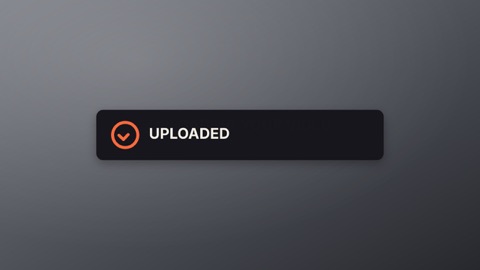
A status card that waits, then ends one of two ways: a spinner turns while the line says what is happening, then it closes into a ring with a check, or turns into a cross with a shake. In a page, your code sets the state when the work finishes.
Notification bell
A bell that rings: it swings on its hook, a badge pops in with the count, and it clears when read. In a page, hovering rings it and a click marks it read.